
From 28 June 2025 the European Accessibility Act (EAA) officially comes into force, the European regulation that sets new digital accessibility standards for websites and e-commerce. An important deadline for wine & spirits companies too, whether they operate online or sell through e-commerce.
Who is required to comply?
All private companies that:
What do we mean by digital accessibility?
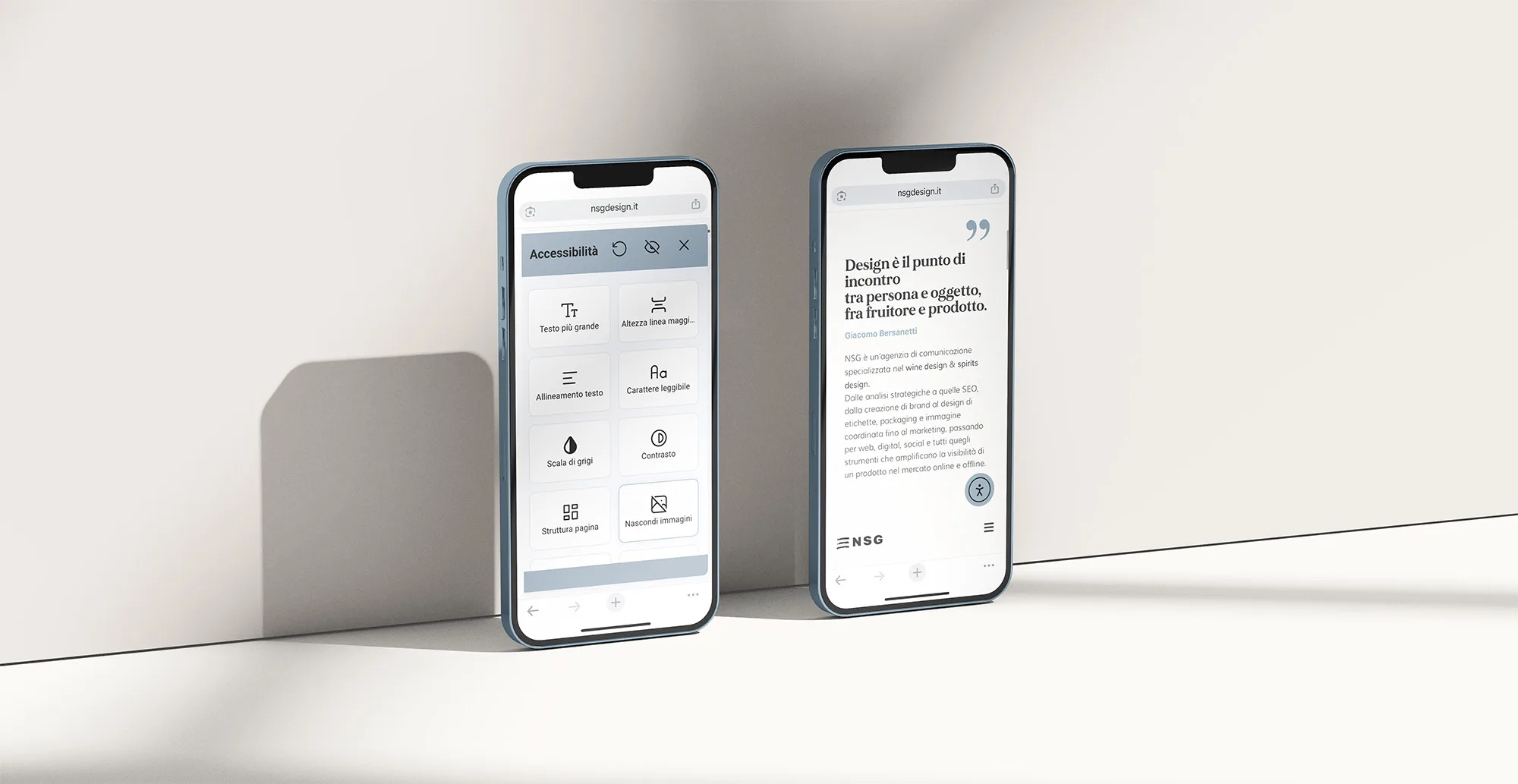
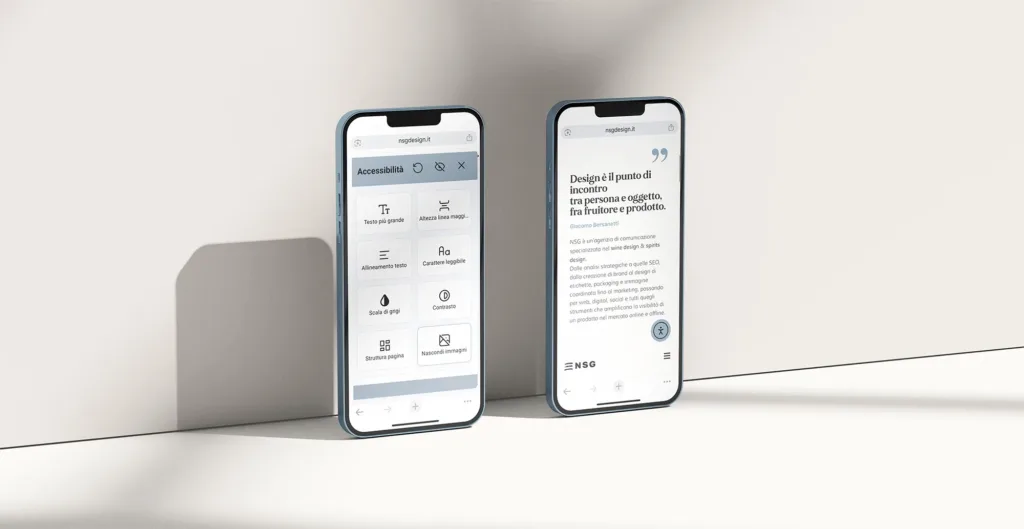
Accessibility means designing every digital touchpoint — from the corporate website to the e-commerce, from the wine club to social campaigns — so that they can be used by everyone, including people with visual, hearing, motor or cognitive disabilities.
For wineries, accessibility is not just a regulatory obligation: it is a gesture of genuine welcome, in tune with the values of hospitality and sharing typical of this sector.
What is the European Accessibility Act?
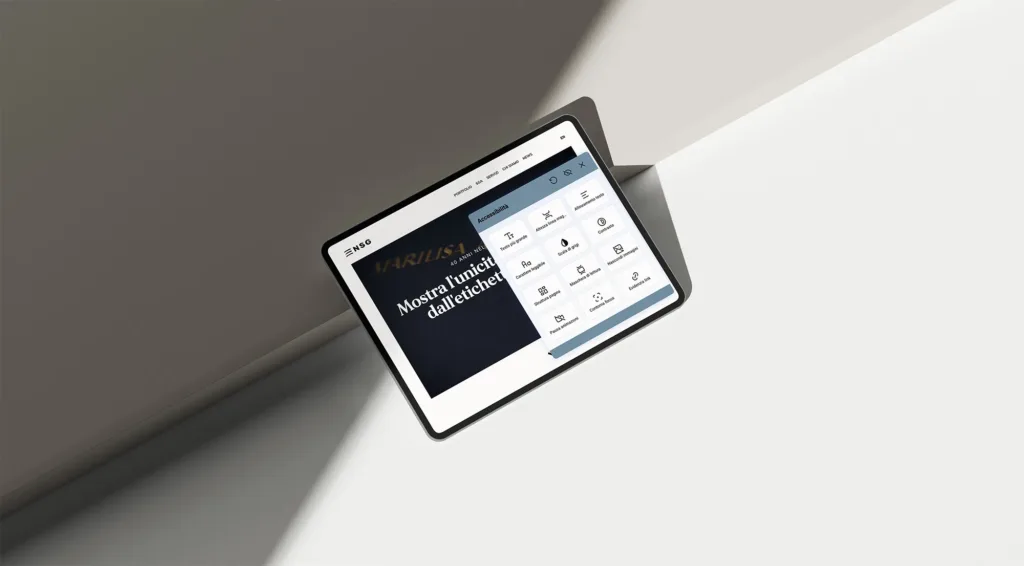
From 28 June 2025, the European Accessibility Act (EAA) requires all new websites, e-commerce sites and apps to be accessible to people with disabilities too.
They will therefore have to meet technical requirements based on the WCAG 2.1 guidelines, to ensure independent use, including through screen readers, alternative keyboards or in the presence of reading difficulties.
Why is it important to comply with the European Accessibility Act?
Even in the world of wine & spirits, the corporate website is now one of the main points of contact with customers, partners and wine lovers.
Having a non-accessible website means:
excluding part of your audience
What’s more, accessibility is now also a matter of social responsibility and brand reputation: a company that cares about inclusivity is perceived as more modern, open and trustworthy.
Source: Naxa.ws – Accessibility Act
+30% ctr
Companies that invest in accessibility record an average 30% increase in online conversions.
94%
94% of users with disabilities report a positive experience with accessible services, increasing loyalty and the likelihood of recommendation.
80%
80% of consumers with disabilities actively support companies that offer accessible experiences.
What are the risks of not complying?
Besides the risk of administrative penalties, a non-accessible website can become grounds for exclusion from public tenders, European calls and internationalisation projects.
In addition, inaccessibility can damage the brand’s reputation, especially in a context increasingly attentive to inclusivity and social sustainability.
What to do to comply with the Accessibility Act?
To comply with the EAA, websites, e-commerce sites and wine club portals must adapt to the following:
Keyboard navigation
All elements of the site must be usable without a mouse and with the keyboard alone (e.g. using Tab, Enter, Up/Down arrows).
👉 Useful for people with motor disabilities or who are blind.
Alternative text (alt text) for images
Every image (e.g. wine labels, promotional banners) must have a descriptive text explaining its content, so that it can be read by screen readers.
Adequate colour contrast
Text must have sufficient contrast against the background to be legible even for people with visual impairments or colour blindness.
👉 Avoid light grey text on a white background, for example.
Clear, hierarchical content structure
Headings (H1, H2, H3…), paragraphs and sections must be well structured.
👉 This helps both users’ reading and screen readers’ understanding.
Accessible forms
Sign-up forms, contact forms or purchase (checkout) forms must:
– Have clear labels associated with the fields
– Give feedback in case of error
– Allow submission without using a mouse
Videos with subtitles
If the site uses videos (e.g. winery presentations, tastings, events), they must include synchronised subtitles.
Understandable text content
The language must be clear, direct and easy to understand. If you use technical terms (e.g. winemaking terms), it helps to provide explanations or a glossary.
Compatibility with assistive technologies
The site must work well with screen readers, screen magnifiers and other tools used by people with disabilities.
Visual and audio feedback
Clickable buttons, active areas or error messages must provide clear visual indications and, where needed, audio feedback.
No content that moves automatically or flashes
To avoid problems for users with epilepsy or cognitive disorders, it is important to avoid uncontrollable animations, carousels that move too fast or flashing elements.